
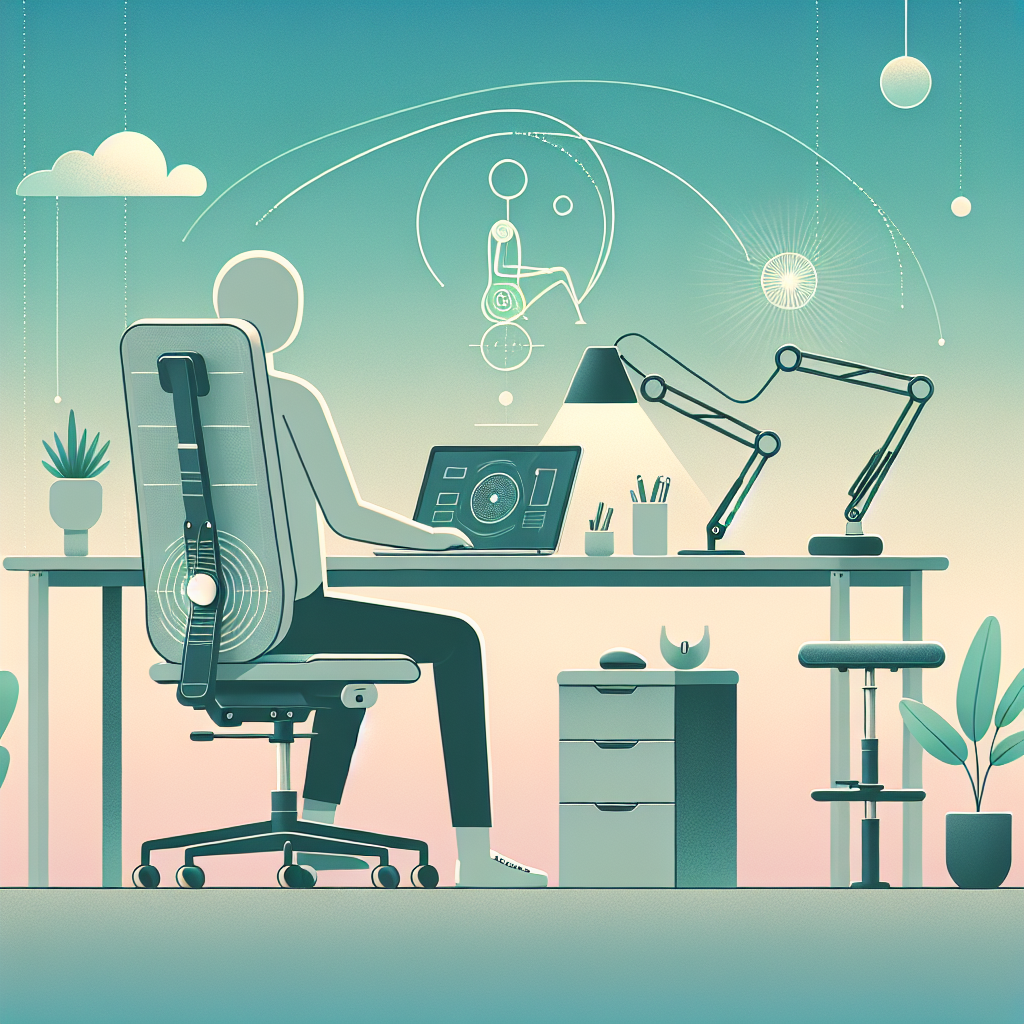
How to Design an Ergonomic Workspace for Injury Recovery
Recovering from an injury can be a tough journey, but creating an ergonomic workspace can make a world of difference. Whether you’re working from home or in an office, your environment plays a crucial role in your recovery process. In this post, we’ll explore how to design a workspace that supports your healing journey. Let’s dive in! 🏡💼
Table of Contents
1. Introduction to Ergonomic Workspaces
2. Assess Your Current Setup
3. Choose the Right Furniture
4. Optimize Your Desk Arrangement
5. Incorporate Movement and Breaks
6. Conclusion
7. FAQs
Introduction to Ergonomic Workspaces
Creating an ergonomic workspace is all about designing an environment that promotes comfort and efficiency while reducing the risk of further injury. This is especially important when you’re recovering, as the right setup can significantly aid your healing process. But where do you start? Let’s take a look. 👀
Assess Your Current Setup
Before jumping into changes, take a moment to assess your current workspace. Sit at your desk and notice how your body feels. Are you slouching? Is there any tension in your neck or back? Understanding your pain points is the first step in creating a more supportive environment.
Choose the Right Furniture
Your chair and desk are the foundation of an ergonomic workspace. Here are a few tips to guide you:
Choose an Adjustable Chair: Look for a chair that offers lumbar support and can be adjusted for height. This ensures your feet are flat on the ground and your knees are at a 90-degree angle. 🪑
Consider a Standing Desk: If your injury allows, a standing desk can promote better posture and reduce strain on your back.
Optimize Your Desk Arrangement
Once you have the right furniture, it’s time to arrange your desk for maximum comfort:
Monitor Position: Your monitor should be at eye level, about an arm’s length away. This prevents neck strain and encourages a neutral spine position.
Keyboard and Mouse Placement: Keep your keyboard and mouse close, allowing your elbows to remain at your sides, forming an L-shape with your arms.
Declutter Your Space: A tidy desk can improve focus and reduce stress. Keep only essential items within reach.
Incorporate Movement and Breaks
Movement is key to injury recovery. Here are some simple ways to stay active:
Take Regular Breaks: Stand up and stretch every 30 minutes. This helps maintain circulation and prevents stiffness. ⏰
Use a Timer: Set a timer to remind yourself to move. Even a short walk can do wonders for your recovery.
Conclusion
Designing an ergonomic workspace doesn’t have to be overwhelming. By making a few intentional changes, you can create an environment that supports your recovery, boosts your productivity, and enhances your overall well-being. Remember, your comfort is key. Happy healing! 🌟
FAQs
Q: Can I create an ergonomic workspace on a budget?
A: Absolutely! Focus on small changes like adjusting your chair height or using books to elevate your monitor. Little adjustments can make a big difference.
Q: How often should I take breaks?
A: Aim to take a break every 30 minutes. Use this time to stretch or walk around to promote circulation.
Q: Is a standing desk better for injury recovery?
A: It depends on the nature of your injury. A standing desk can be beneficial for reducing back strain but consult with a healthcare professional for personalized advice.
Q: What if I can’t afford new furniture?
A: Get creative! Use pillows for lumbar support, or stack books to raise your monitor. Ergonomics is about comfort and alignment, not necessarily expensive equipment.
If you have more questions or tips to share, feel free to leave a comment below. We’d love to hear from you! 👇