
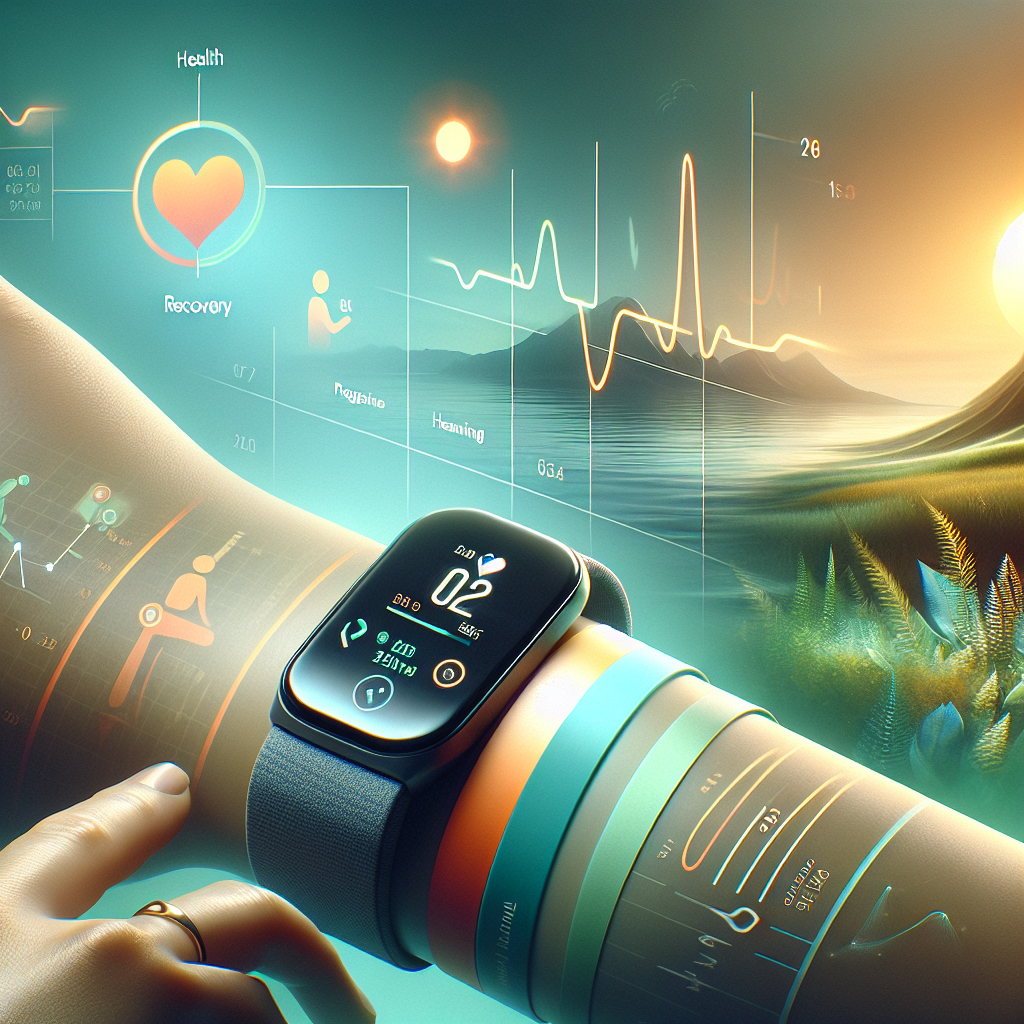
How to Use Fitness Trackers to Monitor Recovery Milestones
In the age of technology, staying fit and healthy has become more accessible than ever. With fitness trackers, you can now monitor not just your workouts but also your recovery milestones. This guide will walk you through how to effectively use these devices to track your progress and ensure you’re on the right path to recovery. Let’s dive in! 🚀
Table of Contents
1. Introduction to Fitness Trackers
2. Setting Up Your Fitness Tracker for Recovery
3. Key Metrics to Monitor Recovery
4. Tips for Maximizing Recovery Using Fitness Trackers
5. Conclusion
6. FAQs
Introduction to Fitness Trackers
Fitness trackers have evolved from simple pedometers to sophisticated devices that can monitor heart rate, sleep patterns, and even stress levels. These wearables have become essential tools for fitness enthusiasts and professionals alike. But did you know they’re also invaluable for tracking recovery? Whether you’re bouncing back from an injury or just aiming for better post-workout recovery, understanding how to use these devices can make all the difference. 😊
Setting Up Your Fitness Tracker for Recovery
Before you can start using your fitness tracker to monitor recovery milestones, you need to set it up correctly:
1. Sync with Health Apps: Connect your tracker to health apps like Apple Health or Google Fit to consolidate data in one place.
2. Customize Goals: Set specific recovery goals based on your personal needs, such as sleep duration, resting heart rate, or steps to encourage light activity.
3. Enable Notifications: Activate notifications for reminders to move, hydrate, or relax, aiding in a holistic recovery process.
Key Metrics to Monitor Recovery
Fitness trackers offer a myriad of data points, but focusing on specific metrics can help you efficiently monitor recovery:
Heart Rate Variability (HRV): A higher HRV indicates better recovery and readiness to train again. Keep an eye on fluctuations to adjust your activities accordingly.
Sleep Quality: Quality sleep is crucial for recovery. Track your sleep stages to ensure you’re getting enough deep and REM sleep.
Resting Heart Rate (RHR): A decreasing RHR over time can indicate improved fitness levels and recovery. Watch for any unusual spikes which might signify stress or overtraining.
Tips for Maximizing Recovery Using Fitness Trackers
1. Listen to Your Body: While data is important, always consider how you feel physically and mentally. Your intuition is a powerful tool. 🧘♀️
2. Regular Check-Ins: Schedule weekly reviews of your data to spot trends and make necessary adjustments to your recovery plan.
3. Stay Consistent: Consistency is key. Regularly wearing your tracker and syncing data helps create a comprehensive overview of your recovery progress.
Conclusion
Utilizing fitness trackers for monitoring recovery milestones is a smart way to ensure you’re not only pushing your limits but also nurturing your body. By keeping a close eye on vital metrics and staying attuned to your body’s signals, you can optimize your recovery and enhance your overall fitness journey. Remember, recovery is just as important as the workout itself! 🏋️♂️
FAQs
Q1: Can fitness trackers replace professional medical advice?
A1: No, fitness trackers are tools for monitoring and should complement, not replace, professional medical advice.
Q2: How often should I check my recovery data?
A2: It’s beneficial to check your data daily, but more detailed reviews should be weekly to understand trends and make informed decisions.
Q3: What if my fitness tracker shows unusual data?
A3: If your tracker shows unexpected data, consider factors like device placement or contact a healthcare professional if you have health concerns.
Q4: Are all fitness trackers equally effective for recovery monitoring?
A4: Different trackers have varying features. Choose one that offers the metrics most relevant to your recovery needs.